
Meeting backgrounds
For elves working away from the Workshop.
-
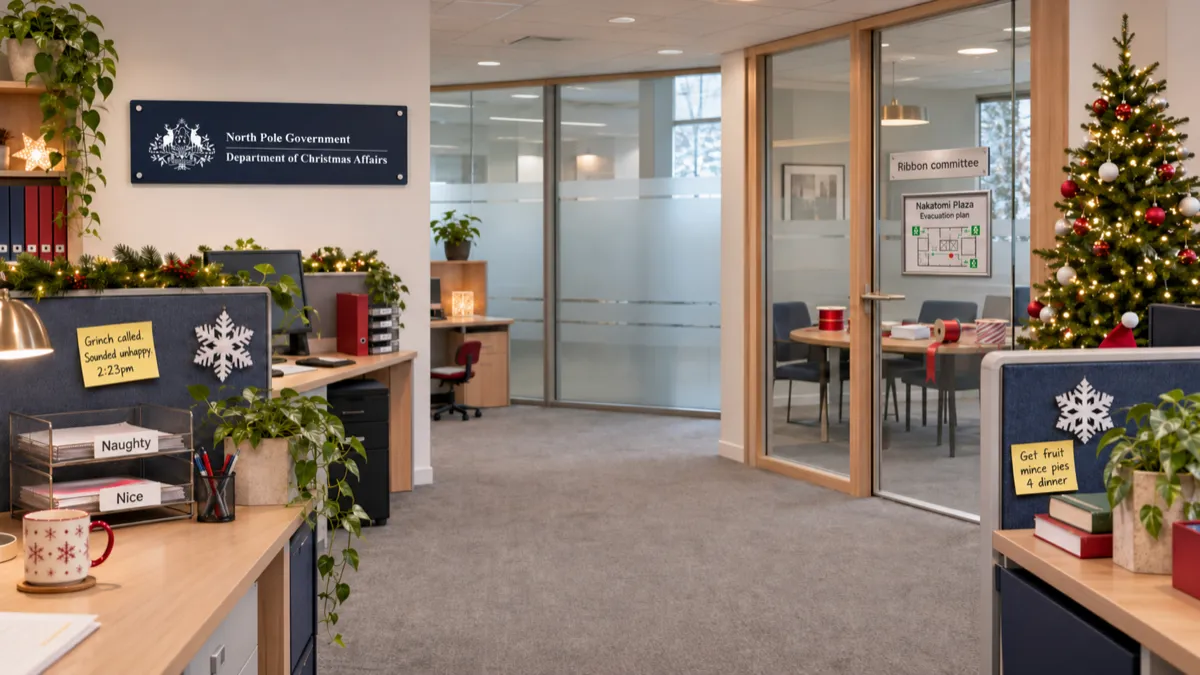
Open plan office
Hot desks are available. Please keep clear of the Ribbon Committee.
Download the open plan office -
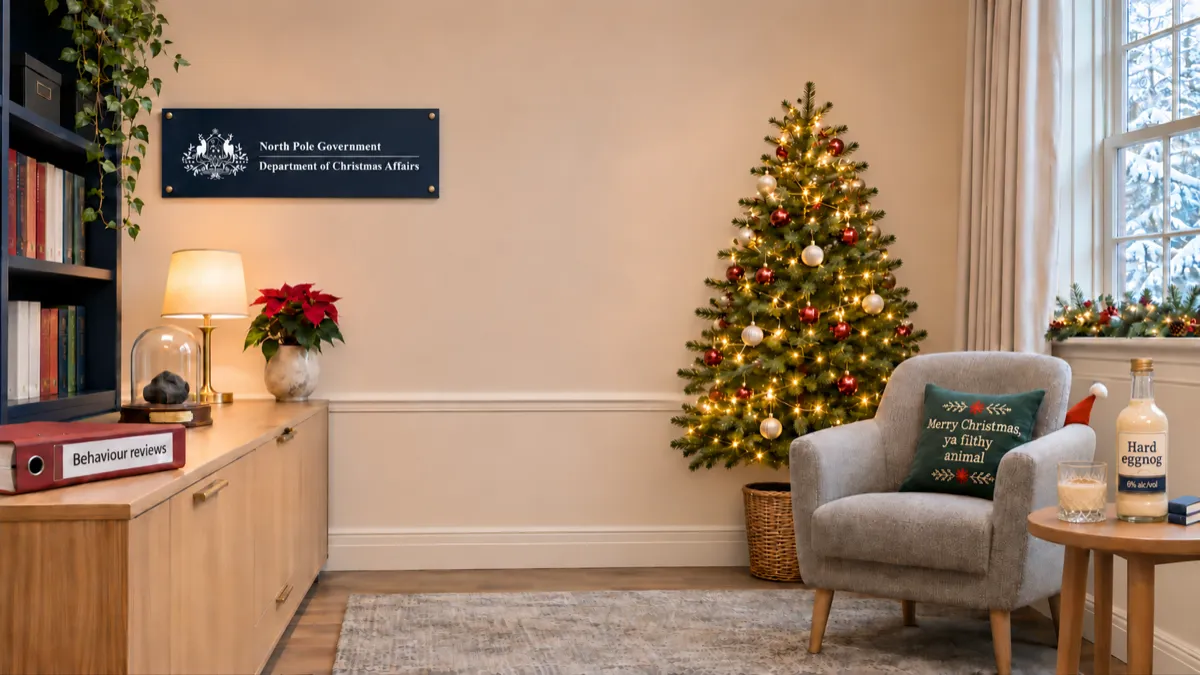
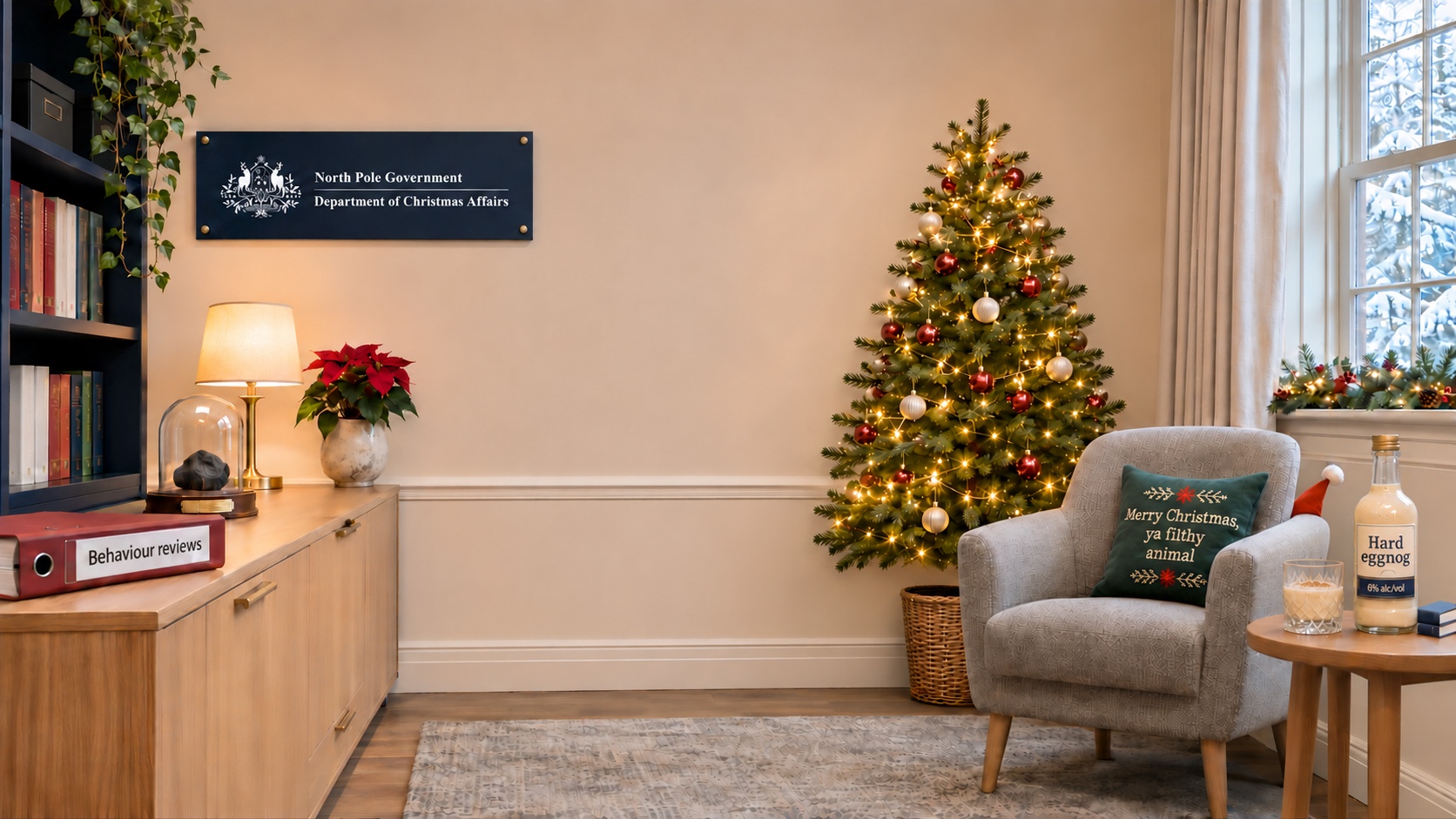
Senior elf's office
For elves conducting behaviour reviews.
Download the senior elf's office -
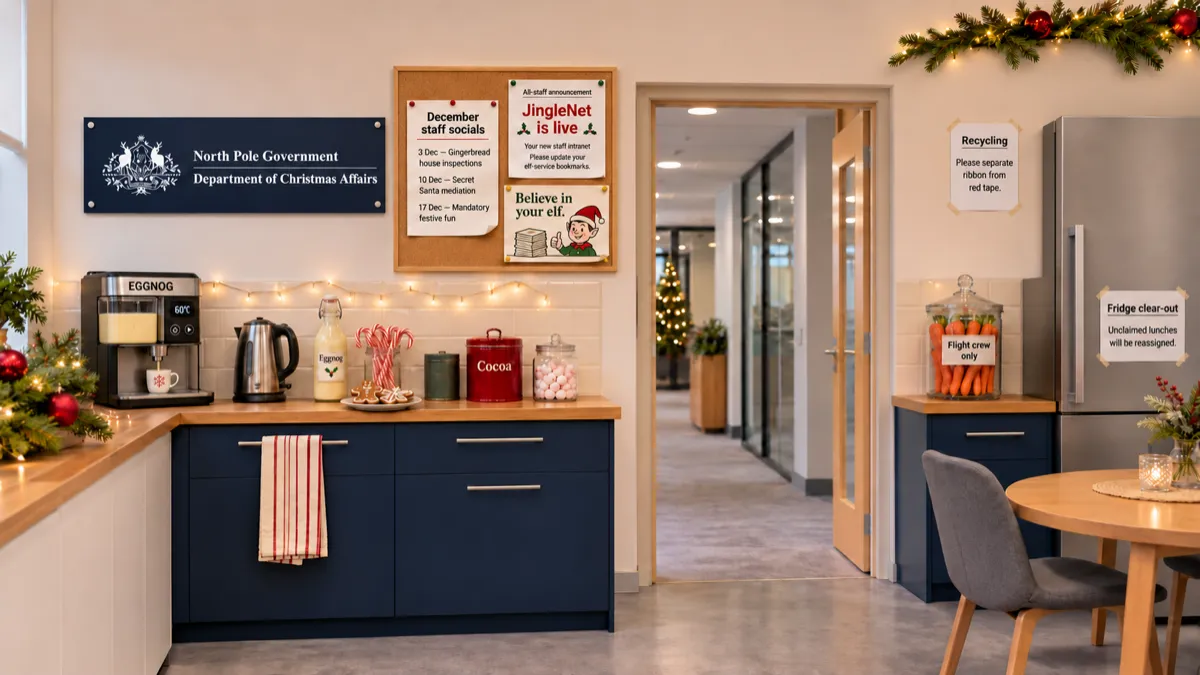
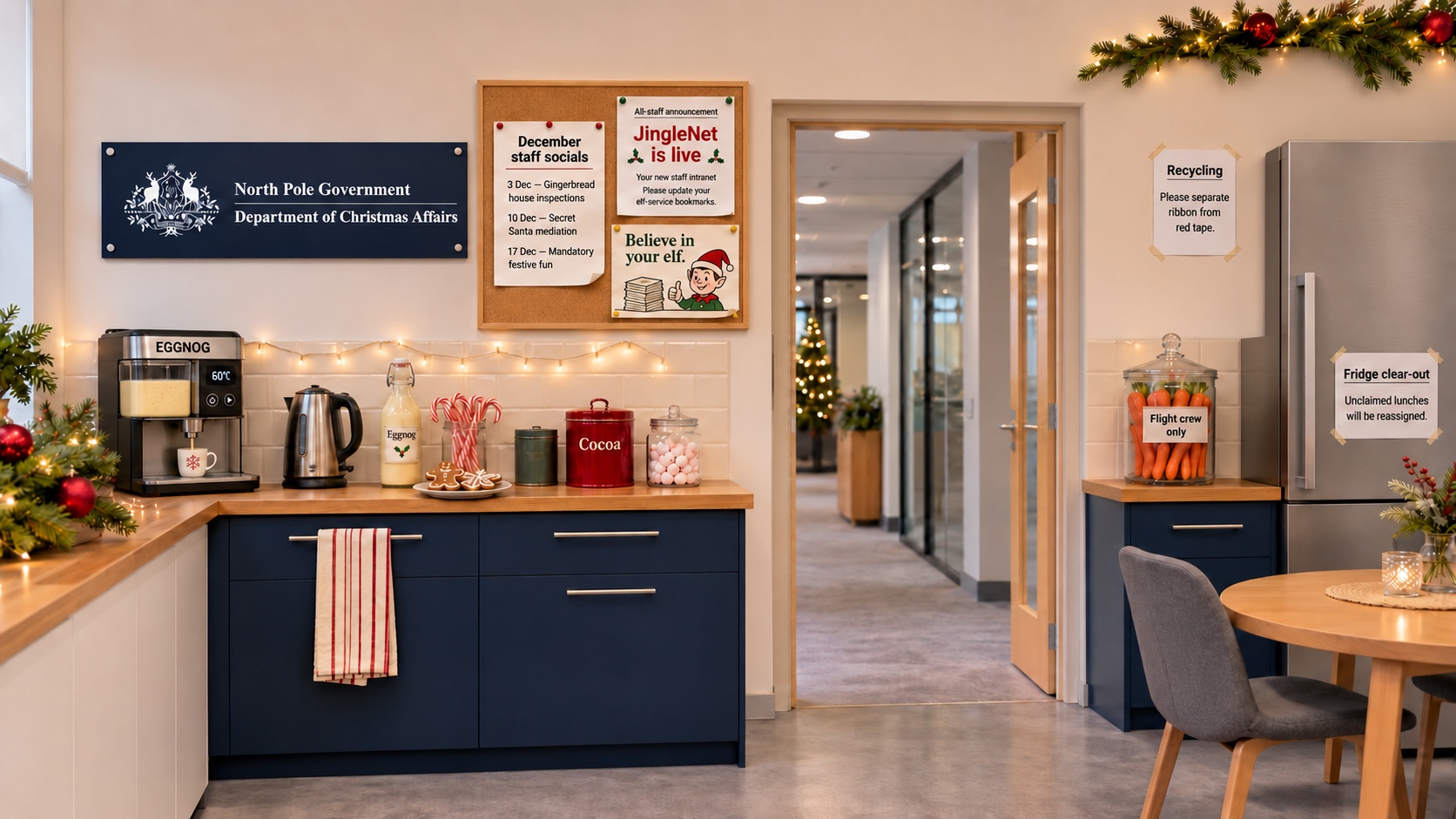
Staff kitchen
Help yourself to cocoa. Carrots are for flight crew only.
Download the staff kitchen
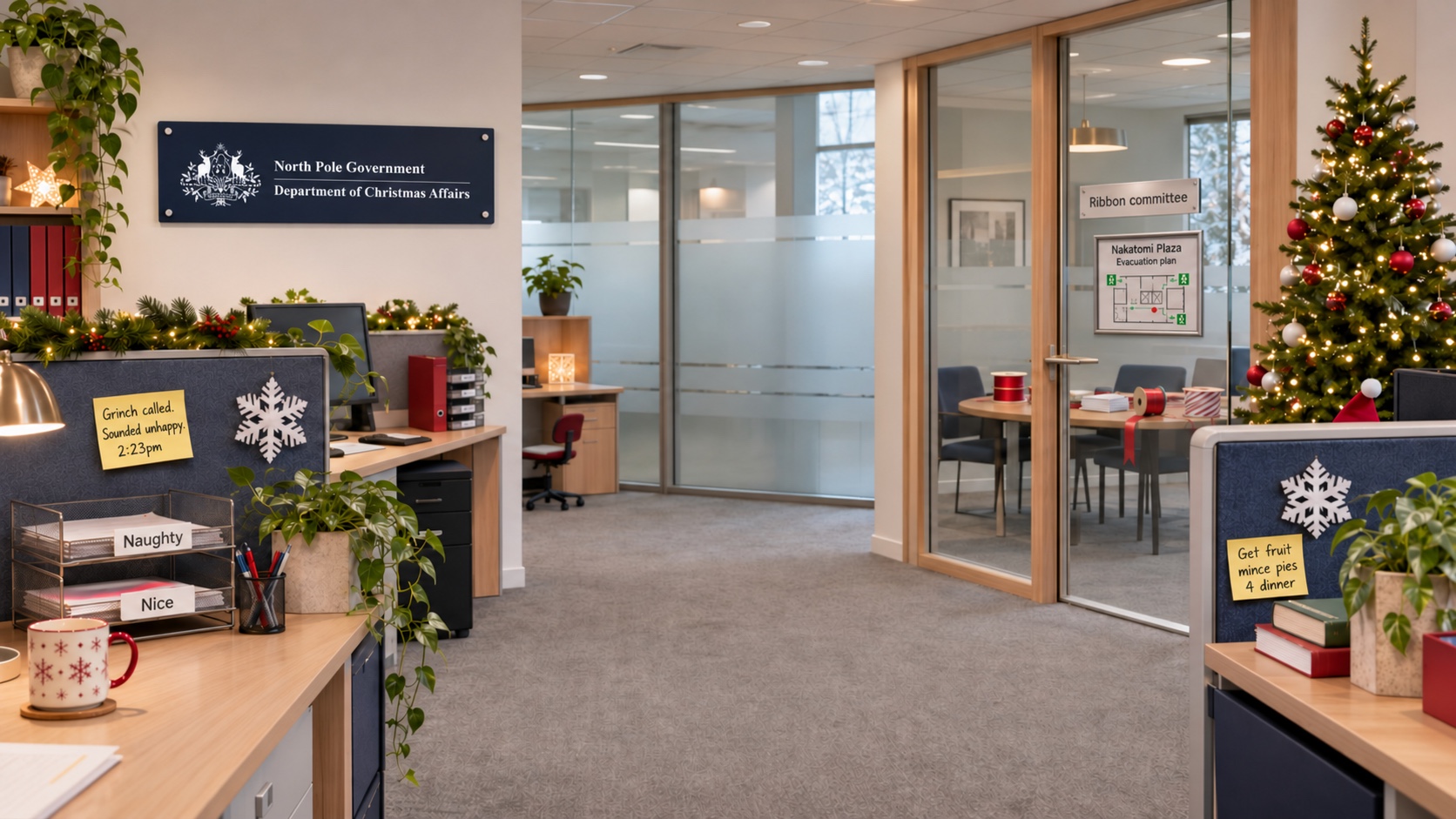
How to use a background
- Download the background you would like to use.
- In your meeting service, open the camera or video settings and look for backgrounds or video effects.
- Choose to add your own picture, and select the file you downloaded.
Your own view of yourself is usually shown as a mirror image, so words in the background may look backwards to you. Everyone else in the meeting sees them the right way round.
Conditions of use
The backgrounds may be used in any meeting, official or otherwise. They must not be used to suggest that a meeting is being held at the North Pole when it is not.